


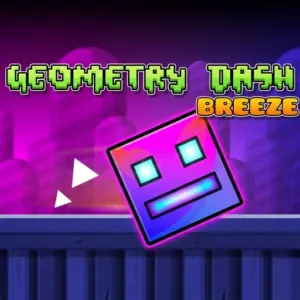













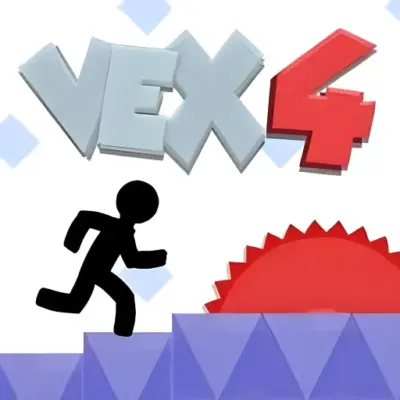
Get ready for a fresh and delightful twist on the classic rhythm platformer! Geometry Dash Breeze takes the legendary cube-jumping action to a whole new level. Featuring 10 unique levels and 8 breathtaking backgrounds, this adventure is packed with energetic music and rising challenges. Whether you’re a veteran player or a newcomer, Geometry Dash Breeze unblocked offers smooth, high-speed gameplay directly in your browser with no download required.
Want more of the same energy? Check out Hollow Knight.
Geometry Games
Rhythm Games
Skill Games
🌪️ Breeze Game Features
⌨️ Game Controls
- 🚀 Spacebar: Standard Jump.
- ⬆️ Up Arrow: Higher Jump.
- ⚡ Double Space: Quick Double Jump.
- 🖱️ Mouse: Navigate menus and customize icons.
💡 Pro Tips
- 🎵 The Beat: Jumps are often timed to the music drops.
- 🎨 Icons: Change your colors to stand out.
- 🔄 Practice: Memorize the patterns of spikes and gaps.
- 🕶️ Reactions: Stay sharp for the fast-paced sections.
Master the Art of the Breeze
In Geometry Dash Breeze, timing and focus are your best tools. Firstly, every move must match the rhythm of the music, making the experience both a puzzle and a test of dexterity. Secondly, the vibrant neon shapes and smooth animations keep the gameplay fresh as you progress through increasingly difficult stages. This version is designed to be accessible for kids and challenging for pro players, making it a perfect addition to your daily gaming routine.
If You Love Fast Jumps, Try These:
Survive the neon ice levels.
Geometry Dash World
Explore new lands and quick challenges.
The ultimate rhythm platformer remix.
Face the heat in fiery gauntlets.