















Wave Editor
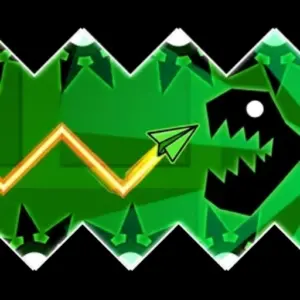
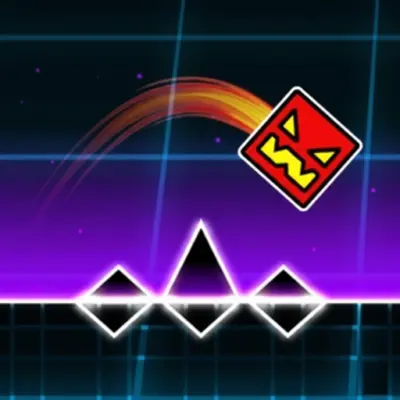
GameHubWave Editor is a level building game by Kokim, released in July 2024, made around the wave mode from Geometry Dash. There are no ready-made levels to beat. You place blocks, saws and portals to build a course yourself, then press play and fly the wave through it.
Flying the wave
The wave moves diagonally downward on its own. Hold the left mouse button, or your finger on a phone screen, and it changes direction and flies up. Let go and it heads down again. Dodging every obstacle you placed is the whole test. The mode comes from Geometry Dash, where RobTop added the Wave in update 1.9 in November 2014.
Blocks, saws and portals
There are three kinds of things to place. Blocks and saws are the obstacles. Some portals change how the wave behaves, and others change its speed. Click the picture of an obstacle or a portal and it appears in the middle of the screen. From there you drag it with the mouse or your finger to any spot you want.
The editor buttons
Each button on the screen has one job. The button that looks like a play symbol starts your level. The button with two arrows moves the screen along, so you can keep building further. The settings button changes the background color. The trash can button deletes objects. When it is lit red, every object you click is removed.
Easy, hard or impossible
Since you design every level, the difficulty is up to you. You can build easy courses, difficult ones and even impossible ones, and mix the portals and obstacles in any combination to practice your wave control. Wave Editor is a small level editor with one mode to build for.
Controls
Use the mouse on a computer or your finger on a phone or tablet. Click a picture to create an object, drag it into place, and press the play button to test. While playing, hold to fly up and release to fly down.
More like this: Platformer-Editor, Geometry Dash Wave and Geometry Dash Sunshine. Other games by Ouaz Games: Rotate Rings and Pop Glide 3D. You can also browse all geometry games.