












Wave Editor: Design & Conquer
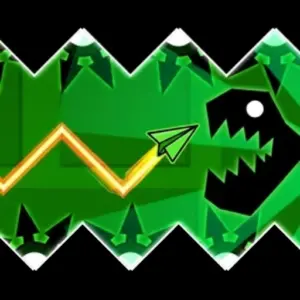
Combine blocks, saws, and speed portals to create unique paths. Test your levels instantly and show off your creativity in the most dynamic rhythm editor online.
Geometry Dash
Arcade Games
Rhythm Action
🎮 Gameplay Controls
- 🚀 Hold Mouse/Tap: Wave flies UP.
- 📉 Release: Wave flies DOWN.
- 🎯 Goal: Dodge obstacles you’ve created!
🛠️ Editor Tools
- ➕ Icons: Click to add saws or portals.
- ↔️ Arrows: Move the screen around.
- 🗑️ Trash Can: Delete objects (Red Mode).
About the Level Creation Tool
Wave Editor allows you to build levels of any complexity. Firstly, you can place diagonal wave-specific obstacles like blocks and saws anywhere on the field. Secondly, the game features special portals that change your wave’s physics or affect its speed, allowing for truly unique gameplay paths.
To customize your world, use the settings button to change the background color. If you make a mistake, the trash can button lets you remove objects instantly. Once your masterpiece is ready, hit the “Play” button to test it out! If you love building, don’t miss our Platformer Editor for even more creative options.
Games You Might Also Like
The original wave challenge with pre-made levels and boss fights.
Build custom levels with cubes, ships, and UFO modes.